vRealize Infrastructure Navigator vs vRealize Operations: Key Differences Explained
vRealize Infrastructure Navigator vs vRealize Operations is a common comparison for VMware administrators trying to understand which tool helps monitor applications and infrastructure in virtual environments. These virtual machines support critical business applications such as web platforms, databases, enterprise software, and cloud services.
However, managing this complex infrastructure is not always easy.
For example, a single application may include several components:
- A web server
- An application server
- A database server
Each component may run on a different virtual machine inside VMware vSphere, and these machines constantly communicate with each other through network services and ports.
Because of this, administrators must answer two important questions:
- How are my applications connected across virtual machines?
- Is my VMware infrastructure performing efficiently?
This is where two powerful tools from the VMware vRealize Suite become useful:
- vRealize Infrastructure Navigator (vRIN)
- vRealize Operations (vROps)
Although both tools integrate with VMware vCenter Server, they solve very different problems.
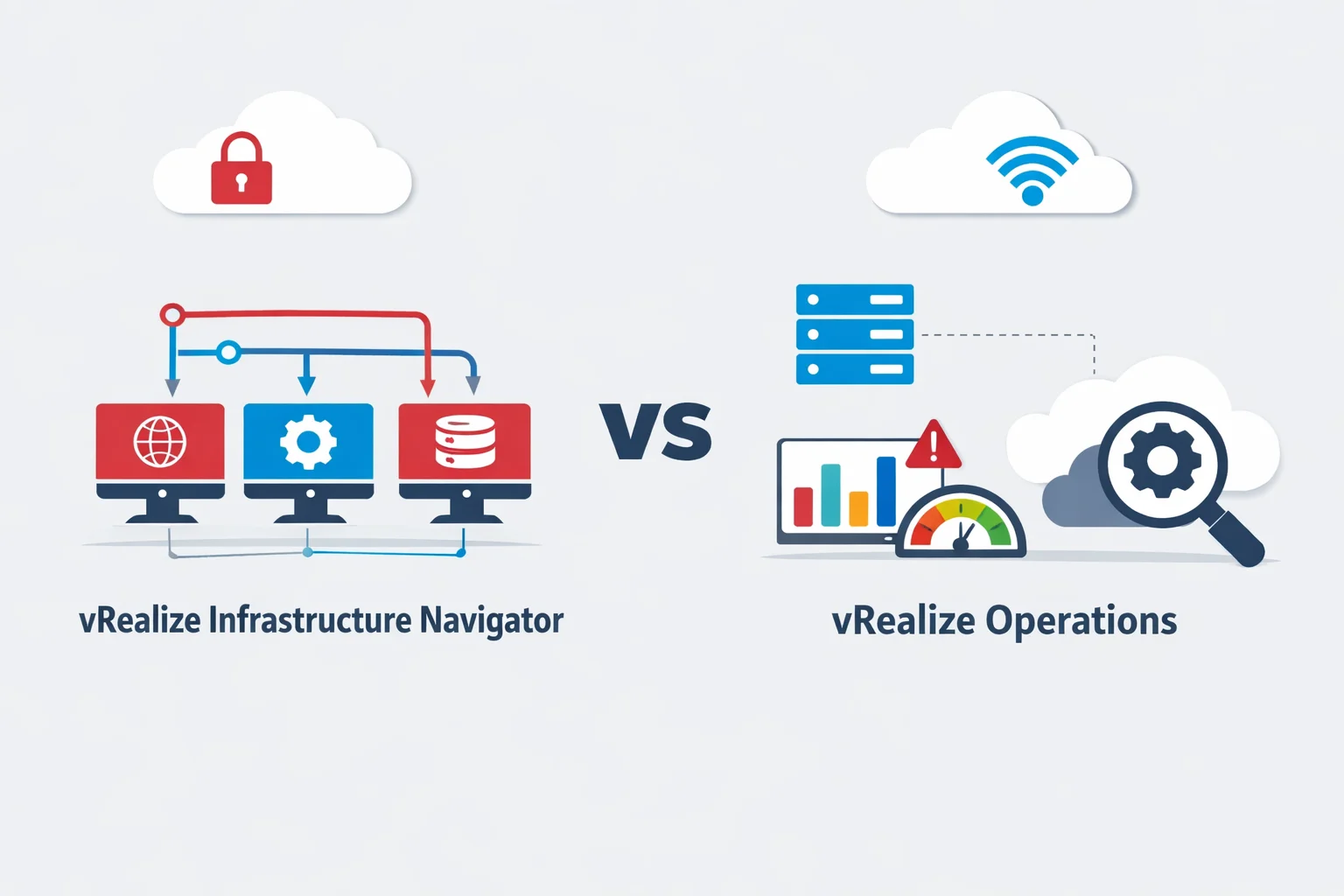
- vRealize Infrastructure Navigator focuses on application discovery and dependency mapping, helping administrators understand how applications are structured across virtual machines.
- vRealize Operations focuses on performance monitoring, infrastructure analytics, and capacity management.
Understanding the difference between these two tools is essential for VMware administrators, virtualization engineers, and cloud infrastructure teams.
In this beginner-friendly guide, you will learn:
- What vRealize Infrastructure Navigator does
- What vRealize Operations does
- The key differences between the two tools
- How they can work together to improve VMware infrastructure visibility and performance
By the end of this guide, you will clearly understand when to use each tool and how they complement each other in a modern VMware environment.
What is vRealize Infrastructure Navigator?
Overview of vRealize Infrastructure Navigator
vRealize Infrastructure Navigator (vRIN) is a VMware tool designed to automatically discover applications running inside virtual machines.
In many environments, an application does not run on a single server. Instead, it may include several components such as:
- A web server
- An application server
- A database server
These components communicate with each other using network connections and services.
However, identifying these connections manually can be difficult. This is where Infrastructure Navigator becomes useful.
The tool scans virtual machines and detects:
- Running services
- Open network ports
- Communication between virtual machines
- Dependencies between application components
As a result, administrators can see a visual map of how applications are connected.
This is often called an application dependency map or application topology.
Key Features of vRealize Infrastructure Navigator
Infrastructure Navigator provides several features that improve visibility into application architecture.
| Feature | Description |
| Application discovery | Detects applications running inside virtual machines |
| Dependency mapping | Shows how different VMs communicate |
| Service detection | Identifies services and open ports |
| Application topology view | Displays relationships between application components |
| vCenter integration | Works directly inside VMware vCenter |
These capabilities help administrators understand how applications are structured across their VMware infrastructure.
Typical Use Cases of vRealize Infrastructure Navigator
Organizations use Infrastructure Navigator in several situations.
Application dependency mapping
Large enterprise applications often consist of multiple layers. Infrastructure Navigator helps visualize how these layers interact.
Migration planning
Before moving workloads to another data center or cloud platform, administrators need to know which servers depend on each other.
Application troubleshooting
If an application stops working, the dependency map helps identify which component may be causing the issue.
What is vRealize Operations?
Overview of vRealize Operations
vRealize Operations (vROps) is VMware’s platform for monitoring and analyzing infrastructure performance.
While Infrastructure Navigator focuses on application relationships, vROps focuses on the health and performance of the virtual infrastructure.
The platform continuously collects data from various components, including:
- ESXi hosts
- Virtual machines
- Datastores and storage systems
- VMware clusters
- Network resources
Using this data, vROps provides analytics, alerts, and dashboards that help administrators maintain a healthy infrastructure.
Key Features of vRealize Operations
vRealize Operations includes several features designed to improve infrastructure management.
| Feature | Description |
|---|---|
| Performance monitoring | Tracks CPU, memory, storage, and network usage |
| Intelligent alerts | Detects abnormal behavior automatically |
| Capacity planning | Predicts future resource needs |
| Visual dashboards | Displays real-time infrastructure data |
| Root cause analysis | Helps identify performance problems |
Because of these capabilities, vROps acts as a central monitoring platform for VMware environments.
Typical Use Cases of vRealize Operations
Infrastructure monitoring
Administrators use vROps to monitor the health of virtual machines, hosts, and clusters.
Capacity planning
vROps analyzes historical data to predict when CPU, memory, or storage resources may run out.
Performance troubleshooting
If an application becomes slow, administrators can use vROps to find the resource bottleneck.
vRealize Infrastructure Navigator vs vRealize Operations
Although both tools belong to the VMware vRealize Suite, they serve different roles.
Side-by-Side Comparison
| Feature | vRealize Infrastructure Navigator | vRealize Operations |
|---|---|---|
| Main purpose | Application discovery | Infrastructure monitoring |
| Data collected | Application services and dependencies | Performance metrics |
| Focus | Application architecture | Infrastructure health |
| Output | Dependency maps | Dashboards and alerts |
| Integration | Works within vCenter | Integrates with multiple VMware solutions |
Key Differences Explained
Application visibility vs infrastructure monitoring
Infrastructure Navigator focuses on application-level visibility. It shows how services and servers connect within an application.
vRealize Operations focuses on infrastructure-level monitoring, helping administrators track resource usage and performance.
Type of data analyzed
Infrastructure Navigator analyzes application services, ports, and communication paths.
vRealize Operations analyzes performance metrics, capacity trends, and operational risks.
Purpose of each tool
Infrastructure Navigator helps administrators understand how applications are built.
vRealize Operations helps administrators ensure the infrastructure runs efficiently.
How vRealize Infrastructure Navigator and vRealize Operations Work Together
Although the tools serve different purposes, they can complement each other.
A typical workflow may look like this:
- Infrastructure Navigator identifies application dependencies across virtual machines.
- vRealize Operations monitors the performance of those machines.
- Administrators use insights from both tools to troubleshoot problems faster.
This combination provides both application visibility and infrastructure monitoring.
Example Scenario: Using Both Tools in a VMware Environment
Imagine an online shopping platform running in a VMware data center.
The application uses three virtual machines:
Database server VM
Web server VM
Application server VM
Role of Infrastructure Navigator
Infrastructure Navigator discovers that:
Web Server → Application Server → Database Server
It creates a dependency map showing how the application components communicate.
Role of vRealize Operations
At the same time, vRealize Operations monitors metrics such as:
- CPU usage
- Memory consumption
- Storage latency
- Network performance
If the application slows down, vROps can quickly identify which resource is causing the problem.
When to Use vRealize Infrastructure Navigator
Infrastructure Navigator is useful when administrators need to understand application relationships.
Typical scenarios include:
- Identifying hidden communication between servers
- Mapping complex application dependencies
- Preparing for cloud migration
- Understanding multi-tier applications
When to Use vRealize Operations
vRealize Operations is ideal when the goal is monitoring infrastructure health and performance.
Common use cases include:
- Monitoring virtual machine performance
- Detecting infrastructure bottlenecks
- Predicting resource shortages
- Improving resource utilization
Modern Alternatives in the VMware Ecosystem
VMware has recently introduced newer management platforms under the VMware Aria brand.
Examples include:
| Modern Product | Purpose |
|---|---|
| VMware Aria Operations | Successor to vRealize Operations |
| VMware Aria Operations for Networks | Advanced network monitoring |
| VMware Aria Automation | Cloud automation and orchestration |
These solutions support modern hybrid cloud and multi-cloud environments.
Conclusion
Both vRealize Infrastructure Navigator and vRealize Operations play important roles in VMware environments.
However, their functions are different.
- vRealize Infrastructure Navigator helps administrators discover application dependencies and understand application architecture.
- vRealize Operations helps monitor infrastructure performance and optimize resource usage.
When used together, these tools provide complete visibility across applications and infrastructure, helping organizations maintain a stable and efficient VMware environment.
If you want to explore how dependency mapping works in detail, check out our complete guide to vRealize Infrastructure Navigator.
Frequently Asked Questions
1 – What is the main difference between vRealize Infrastructure Navigator and vRealize Operations?
Infrastructure Navigator focuses on application discovery and dependency mapping, while vRealize Operations focuses on performance monitoring and infrastructure analytics.
2 – Does vRealize Infrastructure Navigator require VMware vCenter?
Yes. Infrastructure Navigator integrates directly with VMware vCenter Server, which allows it to analyze virtual machines and detect application services.
3 – Can vRealize Operations monitor ESXi hosts?
Yes. vRealize Operations monitors ESXi hosts, clusters, virtual machines, and storage resources.
4 – What replaced vRealize Operations?
VMware has rebranded vRealize Operations as VMware Aria Operations, which provides enhanced monitoring for modern hybrid cloud environments.