vRealize Infrastructure Navigator: What It Is, How It Works, and Why It Matters
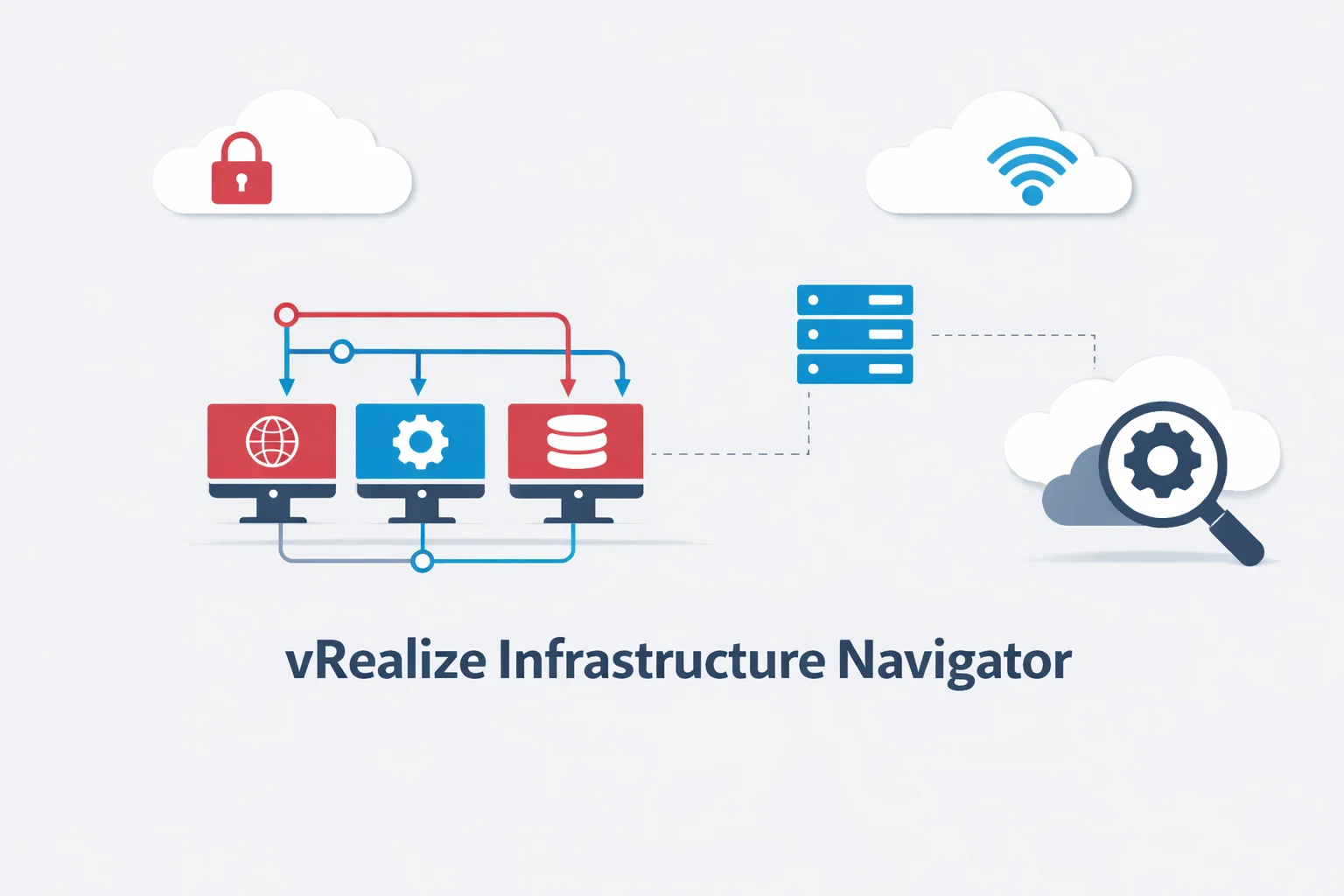
vRealize Infrastructure Navigator (VIN) is a VMware tool that automatically discovers how applications and virtual machines are connected inside a virtualized data center. It helps IT teams see relationships between servers, services, and applications without installing software inside each machine.
In modern virtual environments, a single application often runs across multiple virtual machines. For example, a web application may include a web server, application server, and database server. Because these components communicate constantly, understanding their dependencies is essential.
This is where vRealize Infrastructure Navigator becomes valuable. It shows how everything is connected.
What Is vRealize Infrastructure Navigator?
vRealize Infrastructure Navigator is an application dependency mapping tool built for VMware vSphere environments. It integrates directly with VMware vCenter Server and analyzes network communication between virtual machines running on ESXi hosts.
As a result, administrators can visualize multi-tier applications and service relationships automatically.
In simple terms:
VIN answers the question — “Which systems does this application depend on?”
Why VMware Created VIN?
When organizations moved from physical servers to virtual machines, infrastructure became more complex. Applications were no longer located on one server. Instead, they were distributed across many virtual machines.
Therefore, IT teams often faced problems such as:
- unknown application dependencies
- hidden service connections
- risky infrastructure changes
- incomplete documentation
VMware introduced vRealize Infrastructure Navigator to automatically discover these relationships and make infrastructure easier to understand.
How vRealize Infrastructure Navigator Works?
vRealize Infrastructure Navigator works by observing network traffic between virtual machines in a VMware environment. It detects which systems communicate regularly and identifies them as dependencies.
Then, it builds an application topology map showing how services interact.
VIN Data Collection Method
VIN uses “agentless discovery”. This means it does not require software installation inside operating systems. Instead, it analyzes traffic at the virtualization layer of ESXi hosts and virtual switches.
Therefore, deployment is simple and safe.
Dependency Mapping Process
VIN monitors communication patterns over time. When two systems repeatedly exchange data, VIN identifies them as related.
For example:
- web server → application server
- application server → database
- application → authentication service
These relationships form a visual dependency map in vCenter.
Integration with VMware vCenter
VIN integrates directly into VMware vCenter Server, the central management platform for vSphere. Because of this integration, administrators can view dependencies alongside virtual machines, clusters, and hosts.
This unified view improves infrastructure visibility and management efficiency.
Key Features of vRealize Infrastructure Navigator
vRealize Infrastructure Navigator provides several important capabilities for VMware environments.
| Feature | What It Means | Why It Helps |
| Agentless discovery | No software inside VMs | Easy deployment |
| Dependency mapping | Finds relationships between systems | Better visibility |
| Topology visualization | Graphical application map | Faster understanding |
| Impact analysis | Shows affected systems | Safer changes |
| vCenter integration | Built into VMware tools | Centralized view |
vRealize Infrastructure Navigator Architecture Explained
VIN is deployed as a virtual appliance inside a VMware vSphere environment. It connects to vCenter Server and analyzes traffic across ESXi hosts to discover dependencies.
Main VIN Components
The VIN appliance includes:
- traffic analysis engine
- dependency discovery service
- topology database
- visualization interface
- vCenter integration module
Each component contributes to application mapping.
Data Sources and Communication
VIN collects data from:
- ESXi host networking
- virtual switch traffic
- VM-to-VM communication
- application protocols
Because analysis occurs at the hypervisor level, VIN remains agentless.
Typical Deployment Layout
A standard VIN deployment contains:
- VIN virtual appliance
- VMware vCenter Server
- ESXi hosts
- virtual machines
- virtual networking
This layout enables full dependency visibility across the virtual infrastructure.
Practical Use Cases of vRealize Infrastructure Navigator
VIN supports several real-world IT scenarios.
1. Mapping Legacy Applications
Many organizations run older multi-tier applications without documentation. VIN automatically reconstructs application architecture by discovering connections between tiers.
2. Data Center Migration Planning
Before moving workloads, teams must know dependencies. VIN shows which virtual machines rely on each other.
Therefore, migrations become safer and more predictable.
3. Faster Troubleshooting
When an application fails, dependencies reveal related systems such as databases or authentication services. VIN helps identify root causes faster.
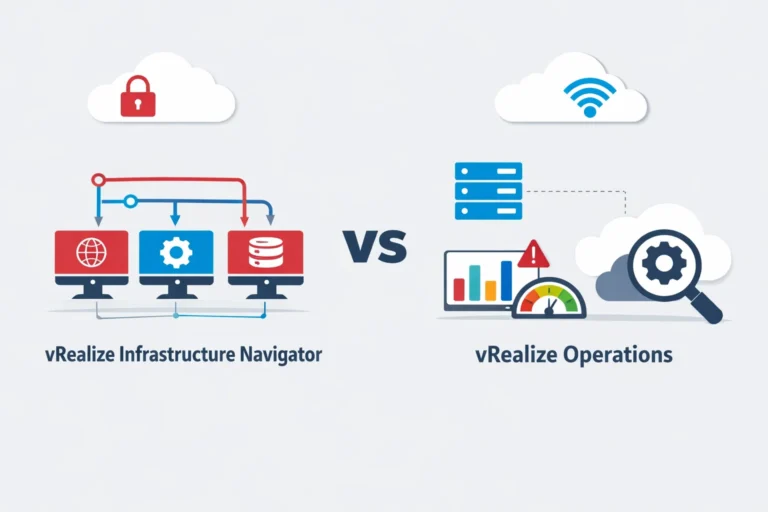
4. vRealize Infrastructure Navigator vs vRealize Operations
Although both tools belong to VMware, they serve different purposes.
| Area | VIN | vRealize Operations |
| Primary role | Dependency mapping | Performance monitoring |
| Focus | Application relationships | Health and metrics |
| Data source | Network traffic | Telemetry data |
| Use case | Change planning | Monitoring & alerts |
| Environment | VMware virtual infrastructure | Hybrid & cloud |
VIN explains “how systems connect”, while vRealize Operations shows “how systems perform”.
Is vRealize Infrastructure Navigator Still Relevant in 2026?
VMware has evolved toward unified observability platforms. Many VIN capabilities are now included in VMware Aria Operations and modern monitoring tools.
Therefore, VIN is considered a legacy VMware tool in cloud-native environments.
However, it still remains useful in:
- traditional VMware data centers
- on-prem virtual infrastructures
- legacy enterprise applications
- VMware-only environments
Organizations with classic virtualization stacks may still rely on VIN.
VIN Lifecycle and Evolution
VIN was originally part of the VMware vRealize Suite. Over time, VMware integrated dependency mapping into broader observability solutions. Consequently, standalone VIN usage decreased.
Modern Alternatives to VIN
Today, organizations often use:
- VMware Aria Operations
- Aria Operations for Networks
- Dynatrace
- Datadog
These platforms provide dependency mapping plus monitoring and analytics.
Advantages and Limitations of vRealize Infrastructure Navigator
Strengths
- agentless discovery
- automatic dependency mapping
- VMware ecosystem integration
- migration visibility
- virtual infrastructure awareness
Limitations
- limited cloud visibility
- legacy design
- VMware-centric scope
- no container awareness
Therefore, VIN is best suited for traditional VMware environments.
Who Should Use vRealize Infrastructure Navigator Today?
VIN remains helpful for:
- VMware administrators
- virtualization engineers
- data center teams
- migration projects
- legacy infrastructure environments
If infrastructure is VMware-based and on-premises, VIN still provides useful dependency insight.
Conclusion
vRealize Infrastructure Navigator is a VMware dependency mapping tool that reveals relationships between virtual machines, services, and multi-tier applications in vSphere environments. It automatically discovers how systems communicate, helping teams plan changes, migrations, and troubleshooting with confidence.
Although modern observability platforms now provide broader monitoring, VIN continues to deliver value in legacy VMware infrastructures. Therefore, organizations running traditional virtual data centers can still benefit from its agentless dependency discovery.
Frequently Asked Questions
1 – What is vRealize Infrastructure Navigator?
It is a VMware tool that automatically maps dependencies between virtual machines and applications.
2 – How does VIN discover dependencies?
It analyzes network communication between VMs on ESXi hosts without installing agents.
3 – Is vRealize Infrastructure Navigator part of vCenter?
Yes. It integrates directly into VMware vCenter Server.
4 – Is VIN deprecated?
It is considered legacy, with features integrated into VMware Aria Operations platforms.
5 – What replaced vRealize Infrastructure Navigator?
Modern VMware observability tools such as Aria Operations and Aria Operations for Networks.
6 – Can VIN map multi-tier applications?
Yes. It automatically identifies relationships between web, application, and database tiers.
7 – Is VIN suitable for cloud environments?
It is primarily designed for traditional VMware virtualized data centers.