VMware Dependency Mapping Tool: What It Is & Why It Matters
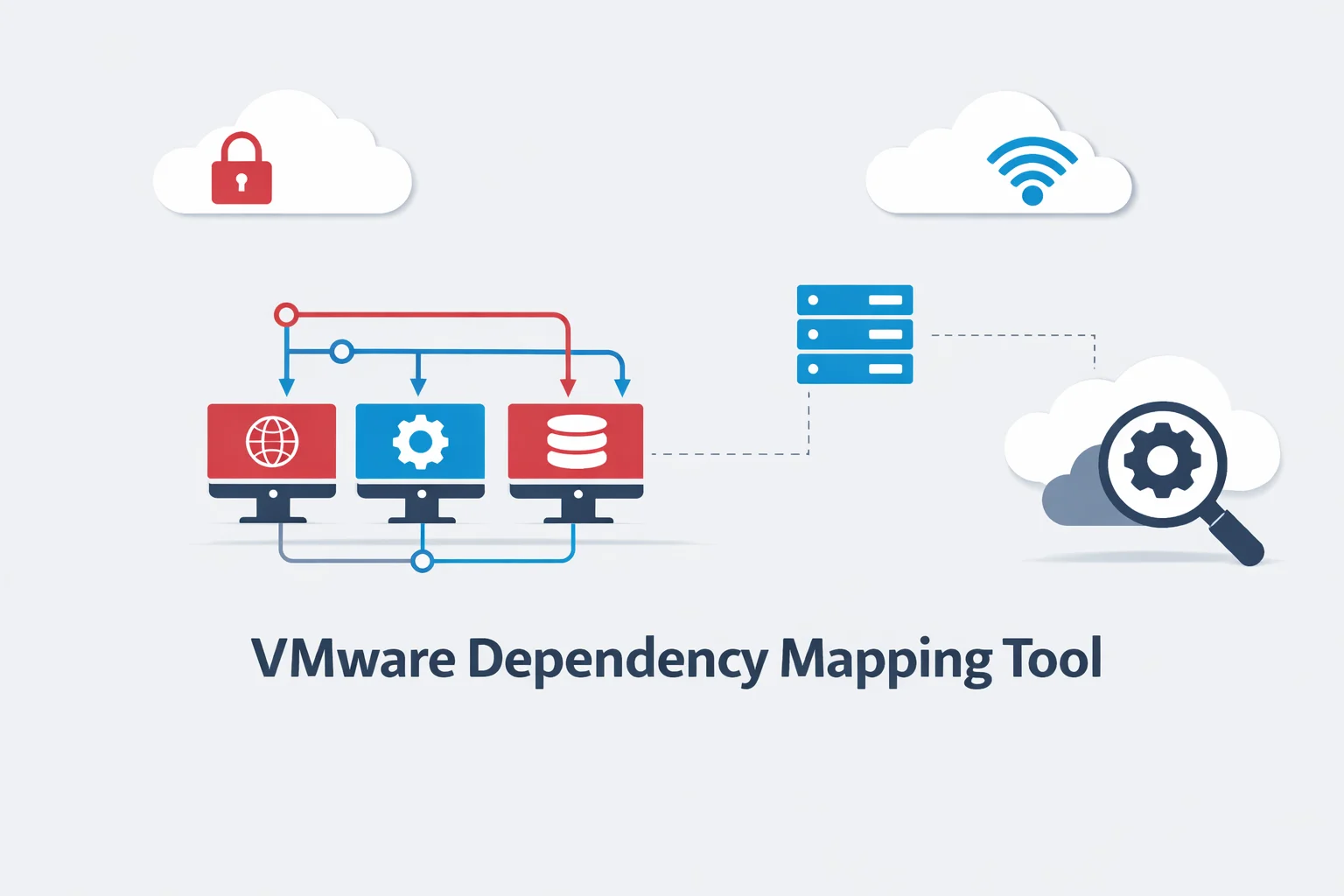
Modern applications running in VMware environments are rarely simple. Instead, they consist of multiple virtual machines, services, and databases working together as one system. Because of this layered structure, IT teams must understand how each component connects and depends on others.
A VMware dependency mapping tool automatically discovers and visualizes relationships between applications, services, and virtual machines inside a VMware infrastructure. As a result, administrators can clearly see application architecture, troubleshoot faster, and plan infrastructure changes safely.
What Is a VMware Dependency Mapping Tool?
A VMware dependency mapping tool identifies connections between virtual machines (VMs), applications, services, and communication paths within a VMware environment. In simple terms, it shows which system depends on which.
Understanding Application Dependencies in Virtual Environments
Most enterprise applications deployed on VMware follow a multi-tier structure:
- Web server (user interface)
- Application server (logic)
- Database server (data)
For example:
- Web app → API service → database
- ERP system → authentication service → directory server
If one component fails, others may stop working. Therefore, understanding dependencies is essential for maintaining application availability.
Why Dependency Mapping Is Important in VMware Infrastructure
VMware data centers often run:
- hundreds of virtual machines
- multiple enterprise applications
- shared services
- clustered workloads
However, manual documentation quickly becomes outdated. A VMware dependency mapping tool automatically discovers relationships in real time. Consequently, administrators gain accurate visibility into application architecture across the virtual environment.
Challenges of Manual Dependency Tracking
Without automated mapping:
- hidden dependencies remain unknown
- troubleshooting becomes slow
- migrations are risky
- change impact is unclear
Because VMware environments are dynamic, automated dependency discovery is necessary.
How Dependency Mapping Works in VMware Environments
VMware dependency mapping tools follow a structured process to discover and visualize application relationships.
1 – Discovering Virtual Machines and Applications
First, the tool connects to VMware vCenter Server. It then identifies:
- virtual machines
- installed applications
- running services
- operating systems
This creates a complete inventory of components in the VMware environment.
2 – Detecting Application Relationships
Next, the tool analyzes communication between systems, including:
- network traffic between VMs
- service calls
- open ports
- process interactions
As a result, it detects which applications depend on others.
3 – Building Dependency Maps
After relationships are identified, the tool builds maps showing:
- application tiers
- service chains
- infrastructure layers
- communication paths
Therefore, administrators can understand complex architectures visually.
4 – Visualizing Infrastructure Connections
Finally, dependencies appear as diagrams or topology graphs. These maps show:
- upstream dependencies
- downstream services
- shared components
Consequently, IT teams gain end-to-end visibility.
VMware Native Dependency Mapping Tool: vRealize Infrastructure Navigator
VMware provides a native dependency mapping solution called vRealize Infrastructure Navigator (VIN), which integrates directly with VMware vSphere environments.
. It integrates directly with VMware vSphere environments to discover and map application relationships automatically.
Overview of vRealize Infrastructure Navigator (VIN)
According to official documentation of VMware vRealize Infrastructure Navigator, the tool automatically discovers application dependencies across virtual machines.
. It provides:
- automated application discovery
- dependency mapping across VMs
- application topology visualization
- service relationship detection
- integration with vCenter inventory
Because VIN is VMware-native, it understands vSphere components such as clusters, hosts, datastores, and virtual machines.
How VIN Integrates with VMware vCenter
VIN connects to VMware vCenter Server and collects:
- VM metadata
- installed applications
- communication patterns
- infrastructure relationships
Importantly, this occurs without installing agents inside virtual machines. Therefore, deployment is simple and non-intrusive.
Dependency Mapping Workflow in VIN
Typical VIN mapping process:
- Connect to vCenter
- Discover virtual machines
- Identify applications
- Analyze communication
- Generate dependency maps
Thus, VMware administrators gain automatic application visibility.
Key Benefits of Using a VMware Dependency Mapping Tool
Clear Infrastructure and Application Visibility
Dependency maps show how applications are distributed across virtual machines and clusters. As a result, administrators understand architecture instantly.
Faster Troubleshooting and Root Cause Analysis
When an issue occurs, maps reveal affected components and related services. Therefore, teams can identify root causes quickly.
Safer Application Migration and Upgrades
Before moving workloads, dependencies must be known. Mapping tools reveal hidden connections. Consequently, migrations become safer.
Better Change Impact Analysis
Infrastructure changes can affect multiple services. Dependency maps show impacted systems in advance. Thus, change risk decreases.
VMware Dependency Mapping Use Cases
Multi-Tier Application Mapping
Enterprise applications often include:
- presentation tier
- logic tier
- data tier
Mapping tools reveal relationships across all tiers in VMware.
Data Center Migration Planning
Before migrating to new clusters or data centers, dependencies must be understood. Mapping ensures all related components move together.
Disaster Recovery Preparation
Recovery plans require knowing which services start first. Dependency mapping reveals service order and relationships.
Security and Compliance Analysis
Dependency visibility shows:
- data flows
- service exposure
- communication paths
Therefore, security and compliance assessments improve.
VMware Dependency Mapping Tools Comparison
VMware offers several infrastructure tools, each with a different purpose.
| VMware Tool | Primary Role | Dependency Mapping | Focus Area |
| vRealize Infrastructure Navigator | Application dependencies | Yes | Application topology |
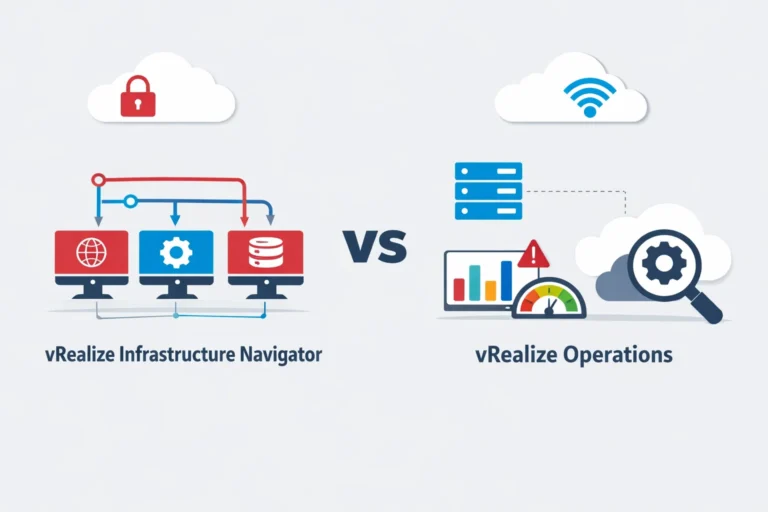
| vRealize Operations | Performance monitoring | Limited | Capacity & health |
| vRealize Network Insight | Network visibility | Network-level | Traffic & flows |
When to Use Each Tool
Use VIN when you need:
- application dependency mapping
- architecture visibility
- migration planning
Use vRealize Operations when you need:
- performance monitoring
- capacity analytics
- health insights
Use Network Insight when you need:
- network traffic visibility
- connectivity analysis
- micro-segmentation planning
Limitations of VMware Dependency Mapping Tools
Agentless Discovery Constraints
Agentless tools rely on observed communication. Therefore, rarely used dependencies may remain hidden.
Application Recognition Limits
Custom or uncommon applications may not match known signatures. Consequently, mapping may be incomplete.
Visibility Scope Boundaries
VIN focuses on VMware vSphere environments. Dependencies outside VMware may not appear fully.
How to Choose the Right VMware Dependency Mapping Tool
Environment Size
Large VMware environments require advanced mapping tools. Smaller environments may need simpler visibility.
Application Complexity
Highly distributed applications benefit most from dependency mapping tools like VIN.
Integration Needs
Consider integration with:
- VMware vCenter
- monitoring platforms
- automation tools
Integrated solutions provide unified visibility.
Monitoring vs Mapping Goals
Choose mapping tools for architecture visibility.
Choose monitoring tools for performance analysis.
Future of Dependency Mapping in VMware
Hybrid and Multi-Cloud Mapping
Modern VMware environments extend into cloud platforms. Therefore, dependency mapping is evolving to cover hybrid workloads.
Integration with Observability Platforms
Dependency mapping is merging with observability tools. Consequently, infrastructure and application visibility are becoming unified.
AI-Driven Discovery
Artificial intelligence can automatically detect relationships across systems. Thus, future VMware mapping tools will be more accurate and real-time.
Conclusion
A VMware dependency mapping tool provides essential visibility into how applications, services, and virtual machines interact inside VMware environments. Because enterprise workloads are distributed across multiple tiers, understanding dependencies is critical for troubleshooting, migration planning, and change management.
VMware’s native solution, vRealize Infrastructure Navigator, delivers automated application discovery and topology mapping directly within vSphere and vCenter. As a result, organizations gain accurate insight into application architecture without manual tracking.
As VMware infrastructures expand into hybrid and cloud environments, dependency mapping will remain a core capability for infrastructure visibility and operational intelligence.
Frequently Asked Questions
1 – What is a VMware dependency mapping tool?
A VMware dependency mapping tool automatically discovers and visualizes relationships between virtual machines, applications, and services in a VMware environment.
2 – Does VMware provide a dependency mapping tool?
It connects to VMware vCenter, analyzes virtual machines and communication patterns, and generates topology maps showing application dependencies.
Yes. VMware provides vRealize Infrastructure Navigator (VIN), which maps application dependencies inside VMware vSphere infrastructures.
3- How does VMware dependency mapping work
It helps administrators understand application architecture, troubleshoot issues faster, plan migrations safely, and manage infrastructure changes.
4- What is the difference between VIN and vRealize Operations?
VIN focuses on application dependency mapping, while vRealize Operations focuses on performance monitoring and capacity analytics.