vRealize Infrastructure Navigator Architecture Explained (Beginner-Friendly Guide)
Modern virtual infrastructures often run many interconnected applications across multiple virtual machines. A single business application may rely on a web server, an application server, and a database working together behind the scenes. However, understanding how these systems interact can be difficult, especially in large VMware environments.
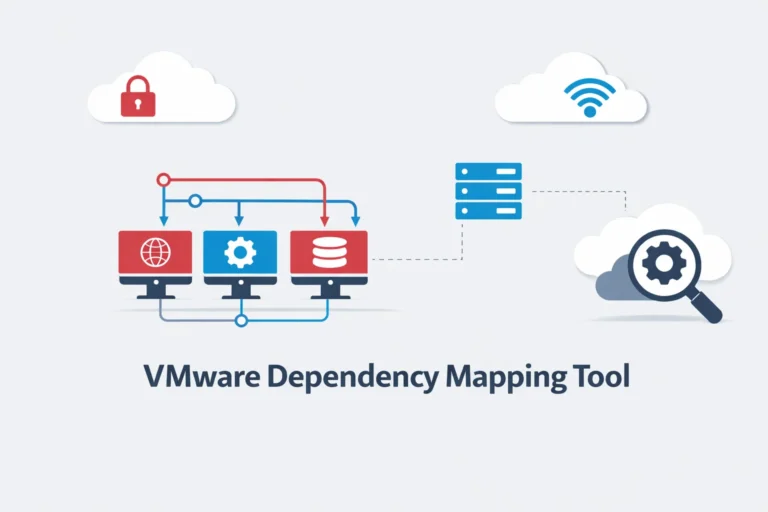
This is where vRealize Infrastructure Navigator (VIN) becomes valuable. It automatically discovers applications running inside virtual machines and creates visual maps showing how those applications depend on each other.
In this guide, we will explore the vRealize Infrastructure Navigator architecture, including its core components, application discovery process, and dependency mapping mechanism. By understanding how VIN works internally, administrators can better manage complex VMware infrastructures and troubleshoot issues more effectively.
Quick Overview of vRealize Infrastructure Navigator
vRealize Infrastructure Navigator is a VMware application discovery and dependency mapping tool.
It helps administrators understand how applications interact inside VMware virtual infrastructure.
Instead of manually tracking connections between servers, VIN automatically scans virtual machines and builds a visual map of application relationships.
This allows administrators to answer important questions such as:
- Which applications are running on each virtual machine?
- Which servers depend on a database server?
- What will happen if a specific virtual machine is shut down?
Because of this visibility, IT teams can manage infrastructure more safely and efficiently.
Why Understanding VIN Architecture Matters
Understanding the architecture of vRealize Infrastructure Navigator is important for several reasons.
First, it helps administrators know how the tool collects and analyzes data from virtual machines.
Second, understanding the architecture helps when deploying or troubleshooting VIN.
Finally, architecture knowledge allows teams to understand how VIN integrates with other VMware technologies such as vSphere and vCenter Server.
Without this knowledge, it can be difficult to fully use the capabilities of VIN.
How VIN Fits in the VMware Ecosystem
vRealize Infrastructure Navigator operates within the VMware virtualization platform.
It works alongside several VMware technologies that manage virtual infrastructure.
| VMware Component | Role in Infrastructure |
| VMware ESXi | Hypervisor that runs virtual machines |
| VMware vSphere | Virtualization platform |
| VMware vCenter Server | Central management system |
| vRealize Infrastructure Navigator | Application discovery and dependency mapping |
VIN integrates directly with vCenter Server, which allows administrators to see dependency information inside the vSphere Web Client.
Because of this integration, administrators can analyze application relationships without installing additional monitoring agents.
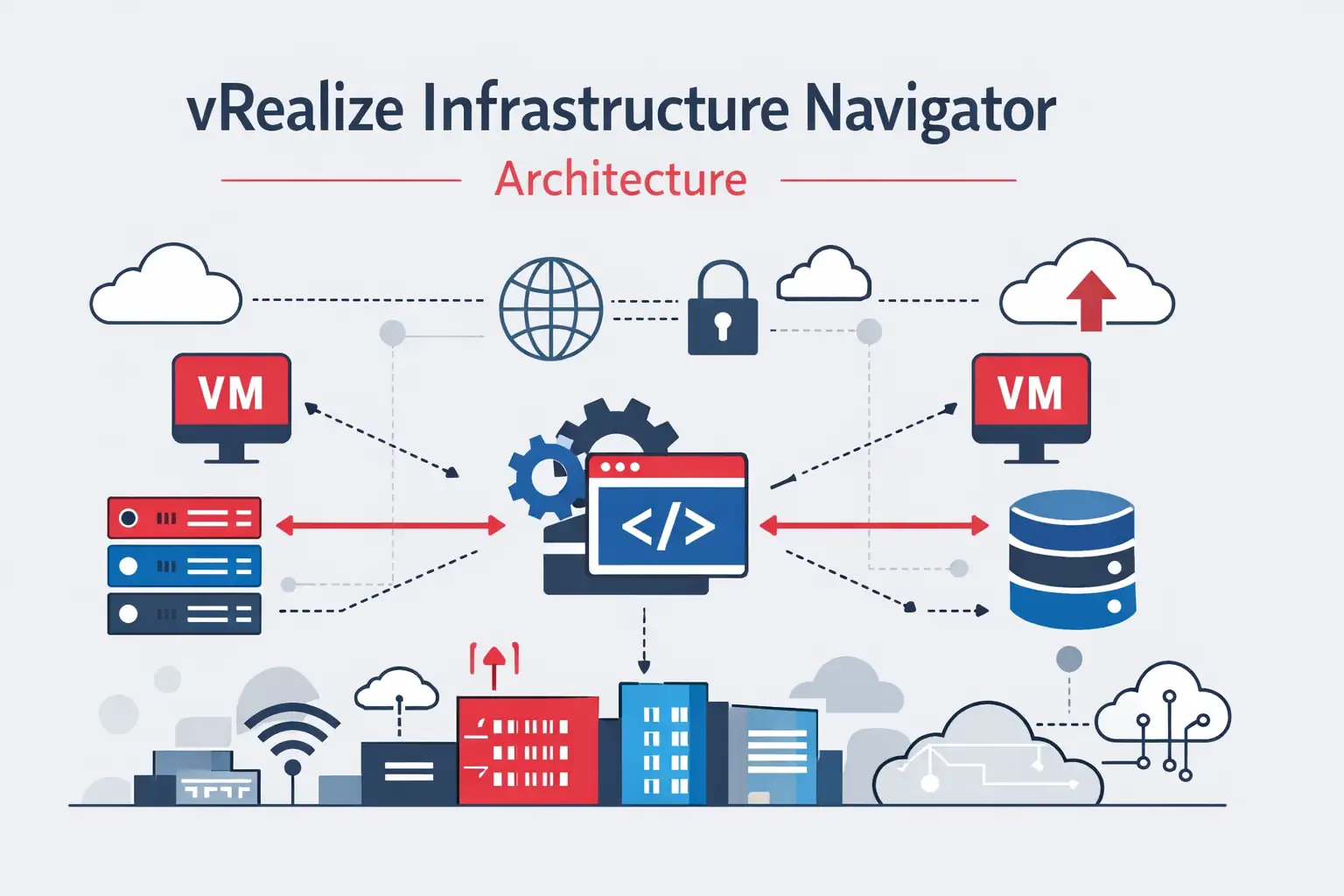
vRealize Infrastructure Navigator Architecture Overview
Now that we understand the purpose of VIN, let’s look at its architecture.
The architecture of vRealize Infrastructure Navigator is designed to analyze applications running inside VMware virtual machines and identify how those applications communicate with each other.
At a high level, the system works through several stages.
Virtual Machines
        ↓
Application Discovery
        ↓
Dependency Analysis
        ↓
vCenter Integration
        ↓
Visualization in vSphere Client
In simple terms, the process works like this:
- Applications run inside virtual machines.
- VIN scans the operating systems to detect running services.
- The system analyzes communication between services.
- Dependencies between applications are identified.
- Results are displayed in the VMware interface.
Because of this architecture, administrators can quickly understand how applications interact within a virtual infrastructure.
Core Components of VIN Architecture
The architecture of vRealize Infrastructure Navigator includes several key components. Each component performs a specific function within the system.
VIN Virtual Appliance
The VIN appliance is deployed as a virtual machine inside the VMware environment.
It acts as the central engine responsible for:
- collecting application information
- analyzing services running on virtual machines
- communicating with VMware vCenter Server
Since VIN runs as a virtual appliance, administrators can deploy it easily within existing VMware infrastructure.
Application Discovery Engine
The discovery engine scans virtual machines to identify running applications.
It detects services by analyzing processes and system behavior.
Examples of detected applications include:
| Application Type | Examples |
| Web servers | Apache, IIS |
| Databases | MySQL, Oracle |
| Application servers | Tomcat, WebLogic |
This automated discovery eliminates the need for manual documentation.
As a result, administrators can quickly identify which applications exist in their infrastructure.
Dependency Mapping Engine
After discovering applications, VIN analyzes how they communicate with each other.
For example, a typical relationship might look like this:
Web Server → Application Server → Database Server
The dependency mapping engine monitors communication patterns between services and identifies these relationships.
VIN then builds an application dependency graph that shows how different systems interact.
This information is extremely useful when troubleshooting problems or planning infrastructure changes.
vCenter Integration Layer
VIN integrates directly with VMware vCenter Server, which manages VMware virtual infrastructure.
Through this integration, administrators can access dependency information within the vSphere Web Client.
This makes the tool convenient because administrators can view application relationships from the same interface used to manage virtual machines.
Visualization and Reporting Layer
The final layer of VIN architecture focuses on visualization.
The system converts technical data into graphical maps that show relationships between applications.
For example:
User Request → Web Server VM → Application Server VM → Database Server VM
This visual representation makes it much easier for administrators to understand complex infrastructure environments.
How vRealize Infrastructure Navigator Discovers Applications
VIN uses agentless application discovery, which means administrators do not need to install software agents on every virtual machine.
Instead, the system analyzes running processes and compares them with known application signatures.
Application Signature Database
VIN contains a database of application signatures that help identify software services.
Examples include:
| Application | Detection Method |
| Apache | Process pattern recognition |
| MySQL | Database service identification |
| Tomcat | Java process detection |
When VIN scans a virtual machine, it compares running processes with this signature database.
As a result, the system can automatically detect the applications running inside the infrastructure.
Service Identification Process
The discovery process follows several steps:
- VIN scans processes inside virtual machines
- Processes are compared with application signatures
- Services are identified and classified
- Dependencies between services are analyzed
This process allows administrators to gain clear visibility into application infrastructure.
How Dependency Mapping Works in VIN
Dependency mapping is one of the most important features of vRealize Infrastructure Navigator.
It helps administrators understand how different applications communicate within a VMware environment.
Communication Monitoring
VIN analyzes network communication between virtual machines.
Examples include:
- web server requests
- database queries
- API calls between services
By monitoring these communications, VIN identifies relationships between applications.
Application Relationship Mapping
After identifying communication patterns, VIN creates an application dependency map.
Example dependency chain:
User Request → Web Server → Application Server → Database Server
These maps help administrators understand how applications interact within a virtualized data center.
Example: VIN Architecture in a 3-Tier Application
Many enterprise applications use a three-tier architecture.
This architecture separates the application into three layers.
Client Browser → Web Server → Application Server → Database Server
Each layer performs a different role.
| Layer | Function |
| Web Layer | Handles user requests |
| Application Layer | Processes business logic |
| Data Layer | Stores and retrieves data |
VIN automatically detects these layers and maps their relationships.
This helps administrators understand the entire application structure.
Deployment Architecture of vRealize Infrastructure Navigator
Deploying VIN is relatively straightforward.
Administrators typically follow a simple workflow.
VIN Deployment Requirements
VIN requires several VMware components.
| Requirement | Purpose |
| VMware vSphere | Virtualization platform |
| VMware ESXi | Runs virtual machines |
| VMware vCenter Server | Infrastructure management |
| VIN Virtual Appliance | Application discovery engine |
Basic Deployment Workflow
The deployment process usually includes the following steps:
- Deploy the VIN virtual appliance
- Connect it to vCenter Server
- Enable application discovery
- Start dependency analysis
Once deployed, VIN begins scanning virtual machines and building dependency maps.
Best Use Cases for VIN Architecture
vRealize Infrastructure Navigator is especially useful in several scenarios.
| Use Case | Benefit |
| Data center migration | Understand dependencies before moving systems |
| Infrastructure troubleshooting | Identify root causes of service failures |
| Application mapping | Visualize service relationships |
| Change management | Avoid breaking dependent systems |
Because of these capabilities, VIN improves infrastructure visibility and operational safety.
Limitations of vRealize Infrastructure Navigator
Although VIN provides valuable insights, it has some limitations.
| Limitation | Explanation |
| Limited container visibility | Not designed for containerized environments |
| Basic monitoring capabilities | Focuses mainly on dependency mapping |
| Legacy product status | Newer tools provide expanded observability |
Because of these limitations, many organizations combine VIN with other monitoring solutions.
Alternatives to vRealize Infrastructure Navigator
Several modern tools offer similar or expanded capabilities.
| Tool | Purpose |
| VMware Aria Operations | Infrastructure monitoring |
| Dynatrace | Full observability platform |
| AppDynamics | Application performance monitoring |
| Datadog | Cloud infrastructure monitoring |
These platforms provide deeper insights into performance and infrastructure behavior.
Conclusion
Modern virtual infrastructures often contain complex relationships between applications and services. Without proper visibility, administrators may struggle to understand how systems interact.
vRealize Infrastructure Navigator solves this challenge by automatically discovering applications and mapping their dependencies inside VMware environments.
By understanding vRealize Infrastructure Navigator architecture, administrators can better use the tool to:
- visualize application dependencies
- troubleshoot infrastructure issues
- safely plan infrastructure changes
If you want a broader understanding of the tool, including its features and benefits, you should also read the complete guide on vRealize Infrastructure Navigator, which serves as the main pillar article for this topic.
Frequently Asked Questions
1 – What is vRealize Infrastructure Navigator architecture?
It refers to the system structure that enables VIN to discover applications, analyze dependencies, and display application relationships within VMware infrastructure.
2 – How does vRealize Infrastructure Navigator discover applications?
VIN scans running processes inside virtual machines and compares them with an application signature database to identify software services.
3 – Does VIN require agents inside virtual machines?
No. VIN uses agentless discovery, which means administrators do not need to install software inside each virtual machine.
4 – What VMware technologies work with VIN?
VIN integrates with several VMware components including:
- VMware ESXi
- VMware vSphere
- VMware vCenter Server
- VMware vSphere Web Client
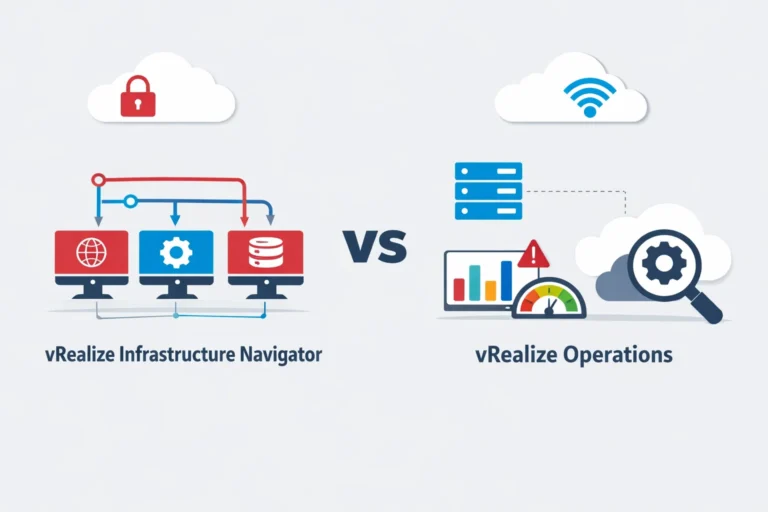
5 – What is the difference between VIN and vRealize Operations?
| Tool | Primary Function |
| vRealize Infrastructure Navigator | Application discovery and dependency mapping |
| vRealize Operations | Performance monitoring and analytics |