VIN VMware Tool: What Is vRealize Infrastructure Navigator?
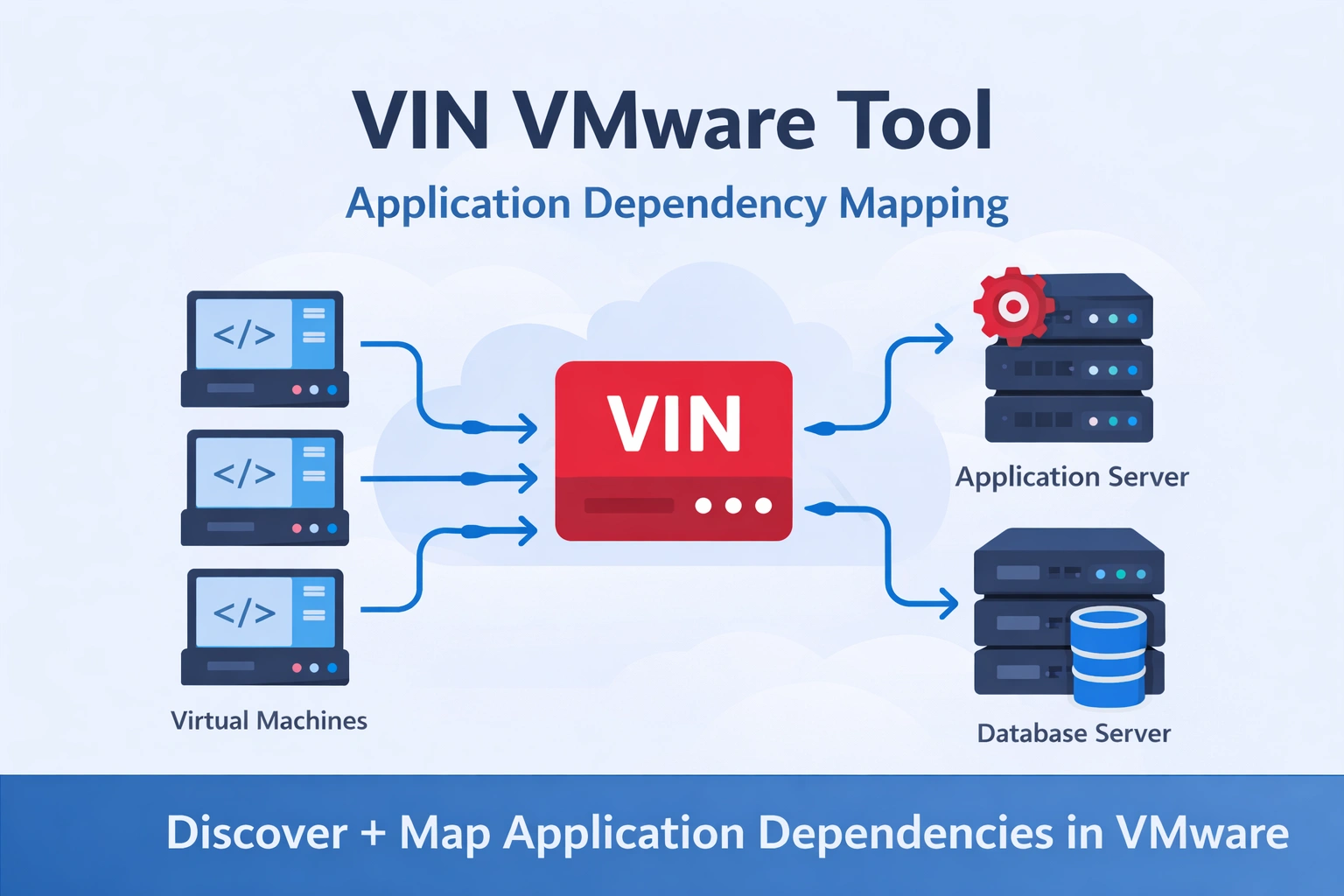
In a modern “VMware virtualized infrastructure”, applications rarely run on a single server. Instead, they operate across multiple virtual machines (VMs) that communicate with each other.
Because of this complexity, administrators often need a way to understand **how different services depend on each other.
The “VIN VMware tool”, officially known as “vRealize Infrastructure Navigator”, helps solve this problem by discovering applications and mapping their dependencies inside a VMware environment.
This tool works alongside “VMware vCenter Server and vSphere infrastructure”, helping administrators visualize how application components interact across virtual machines.
What Is the VIN VMware Tool?
The VIN VMware tool (vRealize Infrastructure Navigator) is a VMware solution designed to **discover application services and create dependency maps between virtual machines.
Instead of manually investigating every system, VIN automatically identifies:
- running application services
- communication between virtual machines
- relationships between application components
This helps administrators understand the structure of complex applications running inside VMware environments.
Why Application Dependency Mapping Matters
Enterprise applications typically consist of multiple layers.
For example:
| Layer | Example Service |
| Web Layer | Web server |
| Application Layer | Application service |
| Database Layer | Database server |
Dependency Example
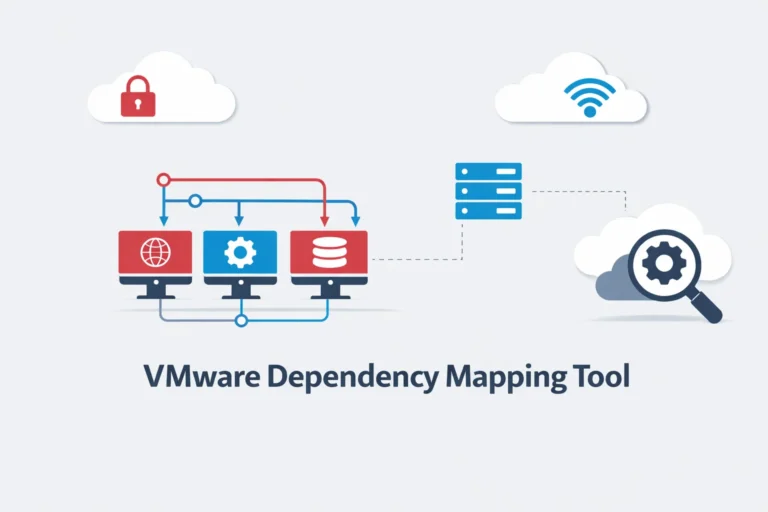
A simple application dependency chain looks like this:
Web Server → Application Server → Database Server
Explanation
- Web Server – Handles user requests from browsers.
- Application Server – Processes business logic and application functions.
- Database Server – Stores and retrieves application data.
If the database fails, the entire application may stop functioning.
However, without dependency mapping tools, it can be difficult to determine which systems are connected.
The VIN VMware tool helps administrators quickly identify these relationships.
How VIN Works in a VMware Environment
VIN uses an agentless discovery method, meaning no software agents need to be installed inside virtual machines.
Instead, it analyzes:
- application services
- network communication patterns
- service ports and processes
VIN integrates directly with VMware vCenter, which manages the VMware infrastructure.
Basic workflow:
The process of how the VIN tool discovers applications and dependencies can be summarized in the following workflow:
Virtual Machines → Service Information Collection → Application Discovery → Dependency Mapping
Explanation
- Virtual Machines – Applications run inside VMware virtual machines.
- VIN Collects Service Information – The tool scans services and communication patterns.
- Application Discovery – VIN identifies running applications and components.
- Dependency Mapping – The tool builds a map showing relationships between services.
Key Features of the VIN VMware Tool
| Feature | Description |
| Application discovery | Detects services running inside virtual machines |
| Dependency mapping | Shows relationships between application components |
| Service visualization | Displays application topology |
| Impact analysis | Identifies affected systems during outages |
These features help administrators understand how applications are structured within the VMware environment.
Example: How VIN Helps Troubleshoot Problems
Imagine a web application running inside VMware infrastructure.
| System | Function |
| Web Server | Serves website pages |
| Application Server | Processes requests |
| Database Server | Stores data |
Dependency chain:
Web Server → Application Server → Database
If the database server fails, the application stops working.
However, with VIN dependency maps, administrators can quickly see which components rely on the database, making troubleshooting faster.
VIN vs Other VMware Tools
VMware provides several infrastructure management tools.
| Tool | Purpose |
| VIN | Application dependency mapping |
| vRealize Operations | Performance monitoring |
| vRealize Network Insight | Network analysis |
While VIN focuses on application relationships, other VMware tools monitor performance or network activity.
Limitations of VIN
Although VIN provides useful visibility, it has some limitations.
- Designed for older VMware environments
- Limited advanced analytics
- Modern infrastructures often use newer monitoring tools
However, VIN still demonstrates how application dependency mapping improves infrastructure management.
Conclusion
The VIN VMware tool (vRealize Infrastructure Navigator) helps administrators understand how applications interact within VMware environments.
By automatically discovering services and mapping dependencies between virtual machines, VIN makes it easier to:
- understand application architecture
- troubleshoot infrastructure problems
- manage system changes safely
For VMware administrators managing complex environments, dependency mapping tools like VIN provide valuable visibility into application relationships.
Frequently Asked Questions
1- What is the VIN VMware tool?
The VIN VMware tool is **vRealize Infrastructure Navigator**, a VMware solution that discovers applications and maps dependencies between virtual machines.
2- Does VIN require agents on virtual machines?
No. VIN uses agentless discovery, meaning it analyzes services without installing agents inside each VM.
3- What is VIN used for in VMware?
VIN is used for application discovery and dependency mapping within VMware environments.
4- Is VIN part of VMware vSphere?
VIN integrates with VMware vCenter Server, which is part of the VMware vSphere ecosystem.